
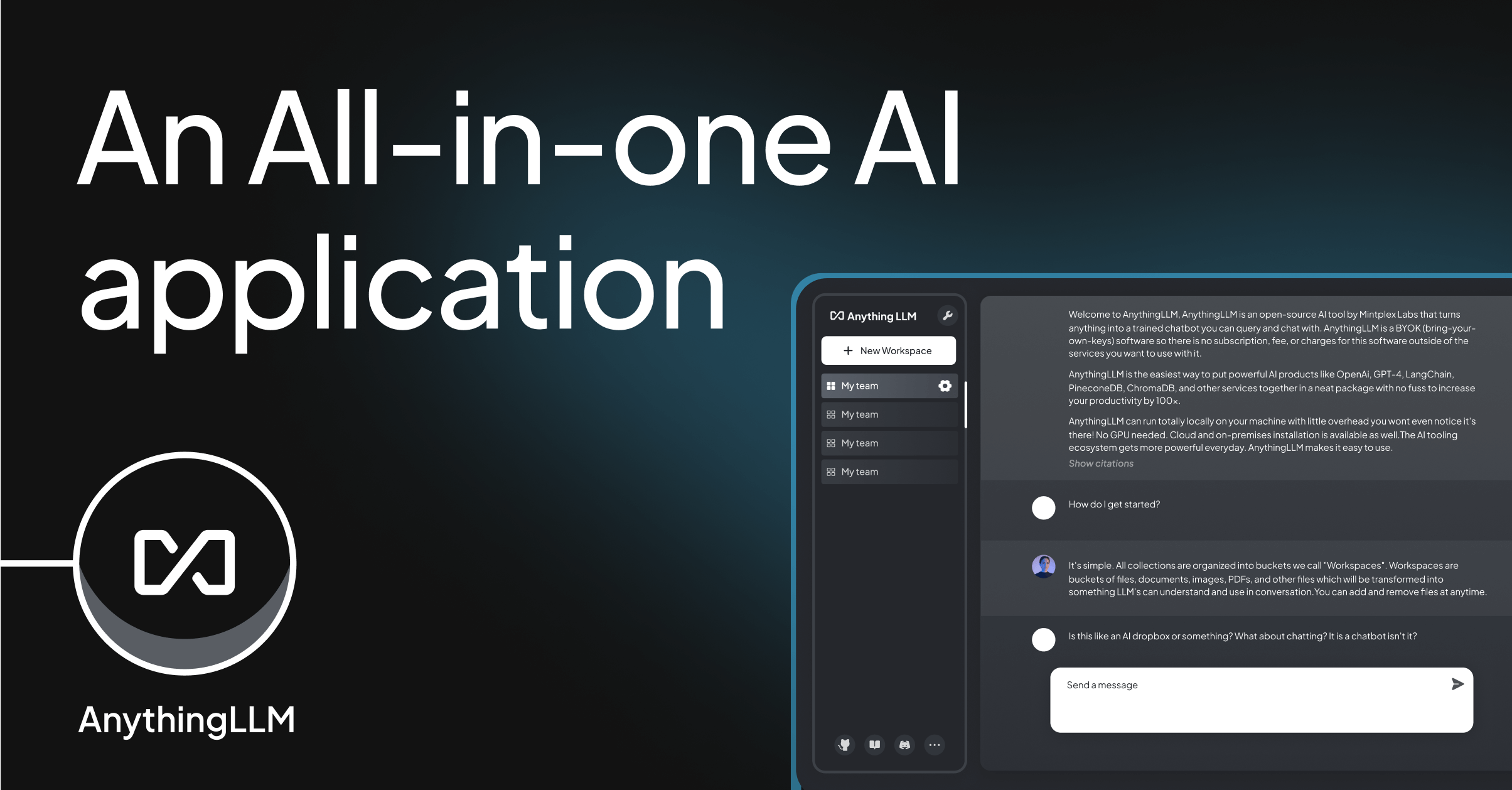
Introducing AnythingLLM: Your All-in-One AI Solution for Document Intelligence and Local LLMs
In today’s digital landscape, organizations and individuals alike are seeking powerful, accessible tools to transform unstructured data into actionable insights. Enter AnythingLLM—a revolutionary all-in-one AI application designed to simplify document intelligence and local LLM integration without requiring technical expertise. Developed with the goal of making advanced AI accessible to everyone, AnythingLLM eliminates the need for complex infrastructure, cloud dependencies, or coding knowledge.
What Makes AnythingLLM Stand Out?
At its core, AnythingLLM is an open-source platform that empowers users to:
- Chat with documents: Upload PDFs, pasted URLs, or any structured data and interact with them as if they were living text.
- Run state-of-the-art LLMs locally: Connect to models like GPT-4, Claude, or Ollama via a single interface, all without leaving your device.
- Implement RAG workflows: Leverage Retrieval-Augmented Generation to extract precise information from your documents using context-aware queries.
- Avoid cloud overhead: With full privacy and no technical setup, AnythingLLM runs entirely on your machine, ensuring data security and reducing costs.
Unlike traditional AI tools that require expensive subscriptions or vendor lock-in, AnythingLLM offers a free, flexible alternative. Its 54K+ GitHub stars reflect the growing community adoption, with users ranging from startups to enterprises seeking to harness AI without compromising on privacy.
How to Get Started: A Step-by-Step Guide
Installation
AnythingLLM supports two easy deployment methods:
- Docker: Run a lightweight container using
docker compose up(ideal for developers and teams). - Desktop: Download the pre-built binary for direct installation (recommended for non-technical users).
For those familiar with Docker, the process is as simple as cloning the repository and launching the container. The accompanying documentation walks through every step, including configuration for Ollama, Hugging Face, or custom LLMs.
Configure Your LLM
After installation, connect AnythingLLM to your preferred LLM service:
- Ollama: A local LLM service with minimal setup—EverythingLLM integrates seamlessly with Ollama’s API.
- Cloud models: Support for GPT-3.5, Claude, and other public models via direct API integration.
- Custom embeddings: Fine-tune vectorized representations of your documents to improve accuracy in RAG workflows.
Upload and Interact
The interface is designed for simplicity:
- Drag-and-drop PDFs, or paste URLs directly into the web interface.
- Ask questions like, “What are the key findings in Section 3?” or “Summarize this research paper.”
- Use the “Context” tab to view document metadata, ensuring relevance in your queries.
For example, a business analyst might upload a client’s case study and ask, “What were the top challenges outlined in the risk assessment?” AnythingLLM parses the document, retrieves the relevant sections, and generates a concise answer—all without requiring advanced technical skills.
Real-World Use Cases
- Knowledge management: Teams can build private repositories of internal documents, making them accessible via natural language queries.
- Customer support: Businesses can train a local LLM to respond to common customer inquiries, reducing the need for live agents.
- Research collaboration: Researchers upload papers and ask questions like, “Compare the methodologies in these two studies,” to accelerate insights.
Why Choose AnythingLLM?
- Privacy-focused: All data stays local—no cloud storage, no third-party access.
- Cost-effective: Free for personal and small business use (with commercial tiers available for large-scale deployments).
- Scalable: Grow from a single user to an entire team without disrupting workflows.
- Community-driven: With ongoing updates and active support, AnythingLLM ensures relevance as AI technology evolves.
AnythingLLM is more than just an AI tool—it’s a paradigm shift in how we interact with information. By combining document intelligence, local LLMs, and a user-friendly interface, it democratizes access to advanced AI capabilities. Whether you’re a developer building a prototype, a marketer analyzing campaign data, or a manager optimizing internal workflows, AnythingLLM delivers tangible value without complexity.
For those ready to explore, the installation process is straightforward—connect to your preferred LLM, upload documents, and start asking questions. The future of intelligent document processing is here, and AnythingLLM makes it accessible to everyone.
Ready to transform how you work? Download AnythingLLM today and see the power of local AI for yourself.
Here are key sources with URLs related to AnythingLLM:
- GitHub Repository:
https://github.com/Mintplex-Labs/anything-llm
Official project repository with source code, documentation, and releases. - Docker Installation Guide:
https://docs.anythingllm.com/installation-docker/local-docker
Step-by-step Docker setup instructions for deploying AnythingLLM. - Setup Guide (MLJourney):
https://mljourney.com/anythingllm-setup-chat-with-your-documents-locally/
Detailed walkthrough for interacting with documents via the web interface. - Git Repository Guide:
https://www.sabbirz.com/git-guide/anythingllm
Comprehensive tutorial for self-hosting AnythingLLM. - SourceForge Mirror:
https://sourceforge.net/projects/anything-llm.mirror/files/
Official mirror of the project (hosted separately, not affiliated with the project). - API Documentation:
https://docs.useanything.com/features/api
API access guide and endpoint documentation for developers. - Arch Linux Package:
https://aur.archlinux.org/packages/anythingllm-web
Installation package for Arch Linux users.

Leave a Reply