
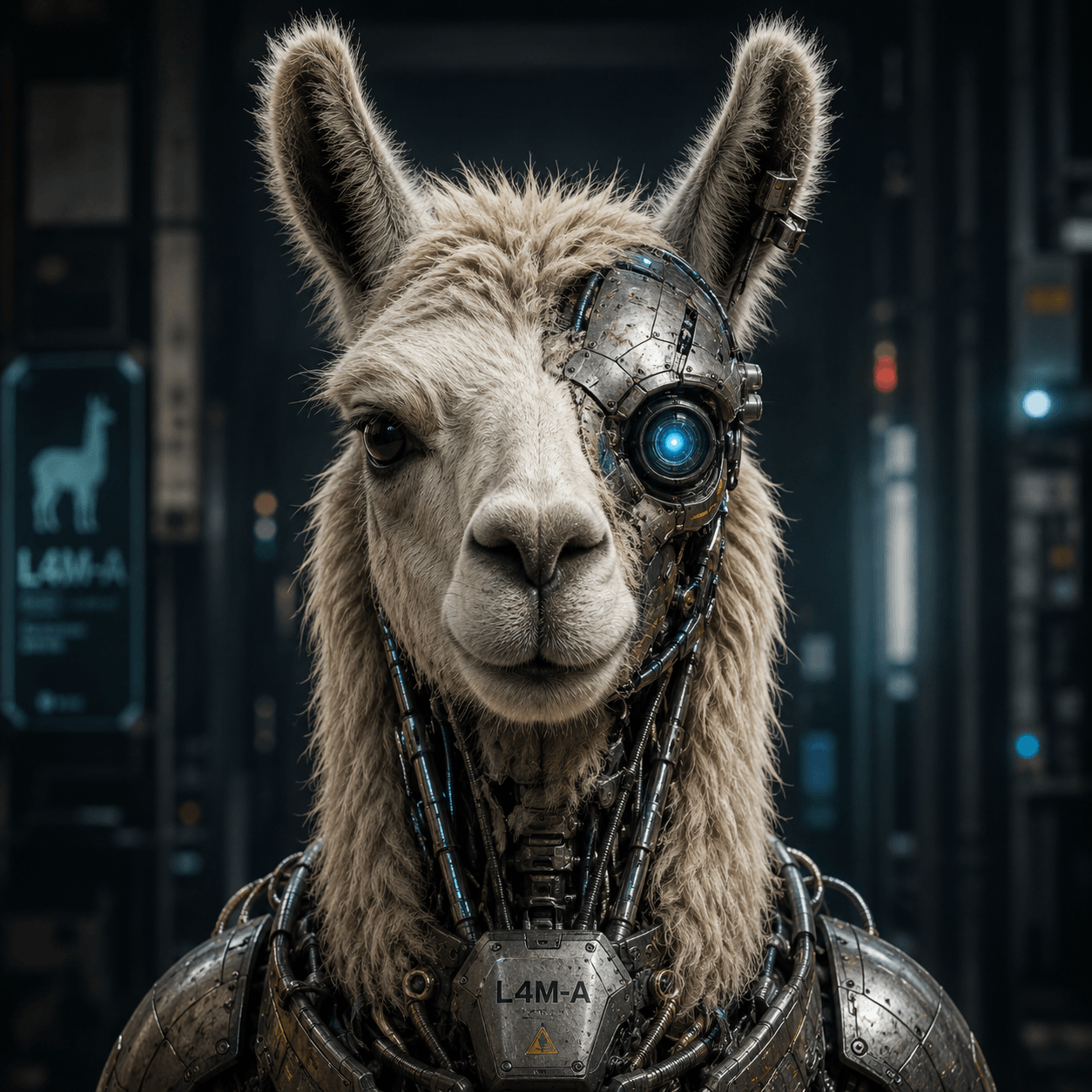
What Are SLMs and How to Use Them with Ollama
The AI landscape has rapidly evolved beyond massive cloud-hosted models into a new category known as SLMs (Small Language Models). While Large Language Models (LLMs) like GPT-5, Claude, or Gemini dominate headlines, SLMs are becoming increasingly important for local AI deployment, edge computing, privacy-focused workflows, and cost-efficient inference.
With tools like Ollama, developers can now run advanced language models directly on consumer hardware with minimal setup. This article explores what SLMs are, how they differ from traditional LLMs, and how to practically deploy and use them with Ollama.
What Are SLMs?
A Small Language Model (SLM) is a neural language model designed with fewer parameters than traditional large-scale models. While modern LLMs may contain hundreds of billions or even trillions of parameters, SLMs typically range between:
- 1B to 15B parameters
- Sometimes extending to ~30B in “small enough” deployment scenarios
Examples include:
- Phi-3
- Gemma
- Llama 3
- Mistral
- Qwen
- DeepSeek-R1
Unlike giant cloud-based models, SLMs are optimized for:
- Lower VRAM usage
- Faster local inference
- Offline operation
- Edge devices
- Lower power consumption
- Reduced latency
- Embedded AI systems
Why SLMs Matter
SLMs are becoming critical because they solve several major problems associated with cloud AI infrastructure.
1. Privacy and Data Sovereignty
Running models locally means:
- No prompts sent to external APIs
- No third-party data storage
- Better compliance for healthcare, legal, and enterprise use
- Reduced risk of sensitive data leakage
This is especially valuable for:
- Internal business assistants
- Source code analysis
- Local document processing
- Medical or legal research systems
2. Lower Hardware Requirements
Many modern SLMs can run on:
- Consumer GPUs
- Gaming PCs
- Laptops
- Mini PCs
- Apple Silicon devices
- Even Raspberry Pi-class hardware (with limitations)
For example:
| Model Size | Approx VRAM Needed |
|---|---|
| 3B | 2–4GB |
| 7B | 6–8GB |
| 13B | 10–16GB |
| 30B | 24GB+ |
Quantization dramatically reduces requirements further.
3. Offline AI
SLMs allow AI systems to function without internet access.
This enables:
- Air-gapped systems
- Remote industrial deployments
- Military/field environments
- Mobile AI assistants
- On-device copilots
4. Cost Reduction
Cloud inference costs can scale aggressively. Running local SLMs removes:
- Per-token billing
- API rate limits
- Subscription dependencies
- Network latency costs
For developers and startups, this can be transformative.
Understanding Quantization
One of the most important technologies enabling SLM adoption is quantization.
Quantization reduces model precision from FP16/FP32 down to formats like:
- Q8
- Q6_K
- Q5_K_M
- Q4_K_M
This significantly reduces:
- VRAM usage
- RAM usage
- Storage requirements
Example:
A 7B model:
- FP16: ~14GB
- Q4 quantized: ~4–5GB
Tradeoffs include:
- Slightly reduced accuracy
- Minor reasoning degradation
- Faster inference speeds
For many use cases, the difference is negligible.
What Is Ollama?
Ollama is a local AI runtime designed to simplify running open-source language models on macOS, Linux, and Windows.
Ollama abstracts away:
- Model downloads
- Quantization management
- Runtime configuration
- GPU acceleration setup
- Model serving APIs
It provides an experience similar to Docker, but specifically for AI models.
Installing Ollama
Windows
Download from:
Install normally using the executable installer.
macOS
brew install ollama
Or use the official installer.
Linux
curl -fsSL https://ollama.com/install.sh | sh
Running Your First Model
Once installed:
ollama run llama3
Ollama automatically:
- Downloads the model
- Configures runtime settings
- Starts inference locally
You can then interact directly:
>>> Explain quantum computing simply.
Popular SLMs for Ollama
Llama 3
Best for:
- General-purpose chat
- Coding
- Instruction following
Run with:
ollama run llama3
Official:
Meta AI
Phi-3
Excellent lightweight reasoning model from Microsoft.
Best for:
- Small hardware
- Efficient reasoning
- Low-resource systems
Run with:
ollama run phi3
Official:
Microsoft Phi Models
Mistral
Strong balance between:
- Speed
- Reasoning
- Context handling
Run with:
ollama run mistral
Official:
Mistral AI
Gemma
Google’s lightweight open-weight family.
Best for:
- Research
- Local experimentation
- Lightweight deployment
Run with:
ollama run gemma
Official:
Google Gemma
Model Management
Listing Installed Models
ollama list
Removing Models
ollama rm llama3
Pulling Specific Variants
ollama pull llama3:8b
Or quantized variants:
ollama pull llama3:8b-instruct-q4_K_M
Running Ollama as an API
One of Ollama’s most powerful features is its local REST API.
Start Ollama:
ollama serve
Default API endpoint:
http://localhost:11434
Example request:
curl http://localhost:11434/api/generate -d '{
  "model": "llama3",
  "prompt": "Explain vector databases."
}'
This enables integration with:
- Python apps
- Electron apps
- Web dashboards
- VSCode plugins
- Discord bots
- AI agents
- RAG systems
Using Ollama with Python
Install the Python package:
pip install ollama
Example:
from ollama import chat

response = chat(
    model='llama3',
    messages=[
        {
            'role': 'user',
            'content': 'Explain embeddings.'
        }
    ]
)

print(response['message']['content'])
Running SLMs with GPUs
Ollama automatically detects:
- NVIDIA CUDA
- Apple Metal
- AMD ROCm (Linux support varies)
GPU acceleration massively improves:
- Tokens per second
- Response latency
- Multi-user serving
RAG (Retrieval-Augmented Generation)
SLMs become dramatically more powerful when combined with RAG systems.
RAG allows models to:
- Search local documents
- Access vector databases
- Inject external knowledge dynamically
Popular stack:
| Component | Tool |
|---|---|
| Local Model | Ollama |
| Embeddings | nomic-embed-text |
| Vector DB | Chroma / Qdrant |
| Framework | LangChain / LlamaIndex |
This enables:
- Private ChatGPT-style systems
- Local document search
- Company knowledge assistants
- AI-powered intranets
Context Windows
Modern SLMs increasingly support large context windows.
Examples:
- 8K
- 32K
- 128K
- 1M+ tokens (specialized architectures)
Larger context windows improve:
- Long document analysis
- Codebase understanding
- Conversation memory
- Multi-file reasoning
However:
- RAM usage increases substantially
- Inference speed decreases
Fine-Tuning and Customization
SLMs are significantly easier to fine-tune than massive LLMs.
Common approaches include:
LoRA (Low-Rank Adaptation)
Efficiently trains adapters without retraining the entire model.
Benefits:
- Low VRAM requirements
- Fast training
- Modular specialization
QLoRA
Combines:
- Quantization
- LoRA training
Allows fine-tuning on consumer GPUs.
Hardware Recommendations
Entry-Level
Good for:
- 3B–7B models
Suggested:
- RTX 3060 12GB
- Apple M-series
- 32GB RAM
Mid-Range
Good for:
- 13B–30B models
Suggested:
- RTX 4070 Ti
- RTX 4080
- 64GB RAM
High-End
Good for:
- Multi-user serving
- Advanced reasoning
- Large context models
Suggested:
- RTX 4090
- Multi-GPU setups
- Threadripper / EPYC systems
Security Considerations
Running local models improves privacy, but risks still exist:
- Prompt injection
- Malicious embeddings
- Data leakage through logs
- Vulnerable plugins/tools
Best practices:
- Sandbox external tools
- Restrict filesystem access
- Validate uploaded documents
- Use isolated containers
Limitations of SLMs
Despite rapid progress, SLMs still have limitations compared to frontier LLMs.
Common Weaknesses
- Reduced reasoning depth
- Higher hallucination rates
- Less factual stability
- Lower multilingual quality
- Smaller training datasets
However, modern SLMs are improving rapidly through:
- Better datasets
- Synthetic training
- Distillation
- Reinforcement learning
Future of SLMs
The future of AI is increasingly hybrid:
- Massive frontier models in the cloud
- Specialized SLMs running locally
We are moving toward:
- On-device AI operating systems
- Local AI copilots
- Edge robotics inference
- Offline assistants
- Personalized AI agents
As hardware improves and quantization advances, SLMs will become standard infrastructure across software development, cybersecurity, healthcare, education, and enterprise systems.
Recommended Tools and Resources
Official Tools
Vector Databases
Frameworks
Learning Resources
- Andrej Karpathy YouTube Channel
- Sebastian Raschka AI Resources
- Full Stack Deep Learning
- Hugging Face Courses
SLMs represent one of the most important shifts in modern AI infrastructure. Rather than relying exclusively on hyperscale cloud systems, developers can now run sophisticated language models directly on local hardware using tools like Ollama.
For developers, cybersecurity professionals, researchers, and businesses, this opens the door to:
- Fully private AI systems
- Lower operational costs
- Offline intelligence
- Highly customizable deployments
- Rapid experimentation
As local inference technology matures, SLMs are poised to become foundational components of modern software ecosystems.

Leave a Reply